Summarize patient diagnosisWorkingComplete
Patient presents with elevated glucose levels consistent with early-stage type 2 diabetes. Recommend dietary consultation and follow-up.
Patient nameMRNDate of birth
PromptVault
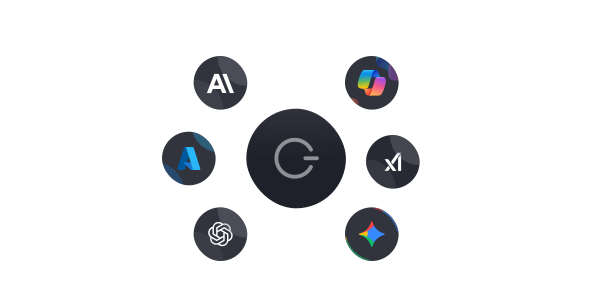
PromptVault lets your teams use AI without exposing sensitive data. It brings AI data loss prevention to every prompt and response, so sensitive data stays out of AI models and only authorized users can see it. It works with Copilot, ChatGPT, Claude, Gemini and custom LLMs.
Reports
367
Prompts
1.15K
Tokenizations
1.04K
Audit events
100%
Enforced
Tokenization Activity
WeekMonthYearVault & token lifecycle
717tokens created
Tokenization activity
Current
Request blockedAll AI tools disabled
Blocked productivity with no protection
Sensitive data protectedAI workflow continues
Protection that never slows your team down
How PromptVault prevents AI data leakage at every step, from the prompt to the response.
01Prompts
PromptVault uses your policies to screen all data, determine what’s confidential, and prevent violations before they even happen.
02Tasks
Sensitive values such as patient diagnoses, employee bonuses or customer details are replaced with secure tokens, so the model can still complete the task without seeing the real data.
03Response
Responses are checked before delivery. Original values are restored only for users whose access policy allows it; everyone else sees the tokens.
04Insights
PromptVault logs every request, decision, and token exchange, giving security teams the audit trail they need for compliance and governance.
From day one, PromptVault works across prompts, apps, and agents — so your security policies stay consistent wherever AI runs.
Leverages your existing data classification, DLP, and RBAC policies. No need to recreate them from scratch.
Works across Copilot, ChatGPT, Azure, Anthropic, Gemini, and custom LLMs
Pairs with Entra ID, Microsoft 365, Microsoft Purview, and Copilot
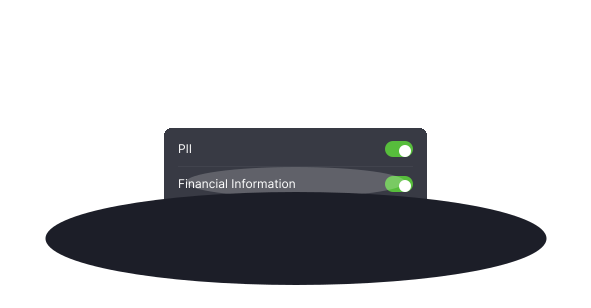
Configured for data security best practices — PII, financial information, PHI, and more
AI data loss prevention for regulated industries, where a single exposed record carries legal and financial risk.

Customer banking data, account information, and transaction history all stay secure.
AI data loss prevention (AI DLP) stops sensitive information from leaking through AI tools. PromptVault does this by replacing sensitive data with secure tokens before a prompt reaches the model, and by checking responses before anyone sees them.
Employees want to use AI tools, but prompts often contain customer, financial or health data. PromptVault lets teams use AI freely while keeping that data out of the model and away from people who should not see it.
PromptVault works across all leading platforms — Copilot, ChatGPT, Azure, Anthropic, and Gemini — as well as custom LLMs.
No. PromptVault leverages your existing data classification, DLP, and RBAC policies, so there’s no need to rebuild them from scratch.
PromptVault automatically conceals the restricted information, then allows the AI to complete the request without changing the task — work moves forward while data stays protected.
Only users whose access policy allows it. PromptVault restores the original values for those users and shows tokens to everyone else, so two people can ask the same question and see different levels of detail.
Yes. PromptVault uses your existing Purview classification labels, DLP and role-based access policies, so you do not need to rebuild them for AI.
PromptVault logs every request, decision, and token exchange, giving security teams the audit trail they need for compliance and governance.